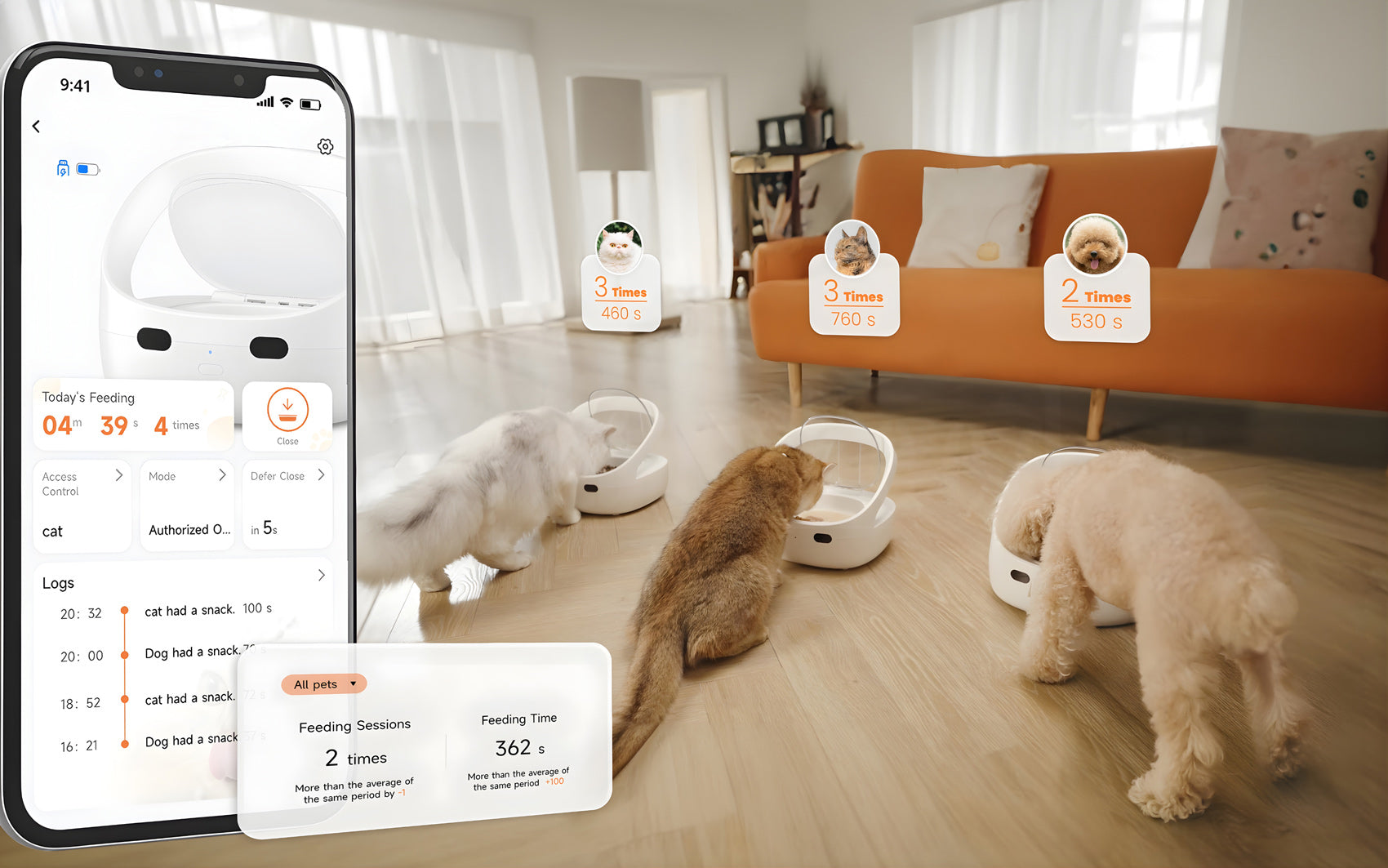
The FurBabyFeeder Mini comes with one RFID tag included on a breakaway collar. Once unboxed, this tag needs to be paired to the feeder. This simple setup process ensures the feeder recognizes and responds only to your pet's assigned tag.
Q: How do I pair a new RFID tag to the feeder?
A: There are two ways to pair a tag: hold the tag near the feeder's sensor while pressing the button for 3 seconds, or pair it through the Bluetooth app.
Q: Can the Mini read a pet's internal microchip or work with other RFID tags?
A: No. The Mini works exclusively with its own RFID tags and is not compatible with a pet's internal microchip or tags from other brands. It supports up to 10 rewritable tags per feeder.
Q: What feeding modes are available, and how do I choose one?
A: The Mini offers three modes — Authorized Mode, Sensor Mode, and Manual Mode — selectable based on your pet's routine and how independent they are at mealtime.
Q: Do I need the app to use the feeder?
A: No. Basic setup, including tag pairing and mode selection, can be done directly on the feeder. The Bluetooth app adds extra convenience, like scheduling timed access windows and managing settings remotely.